
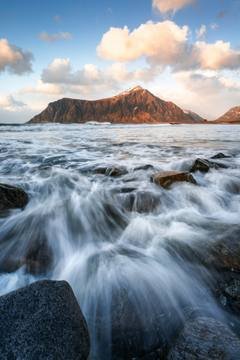

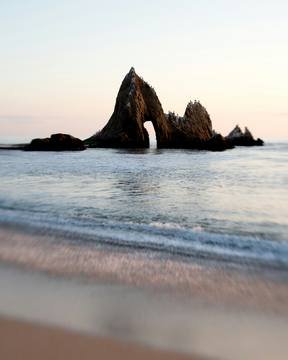


















































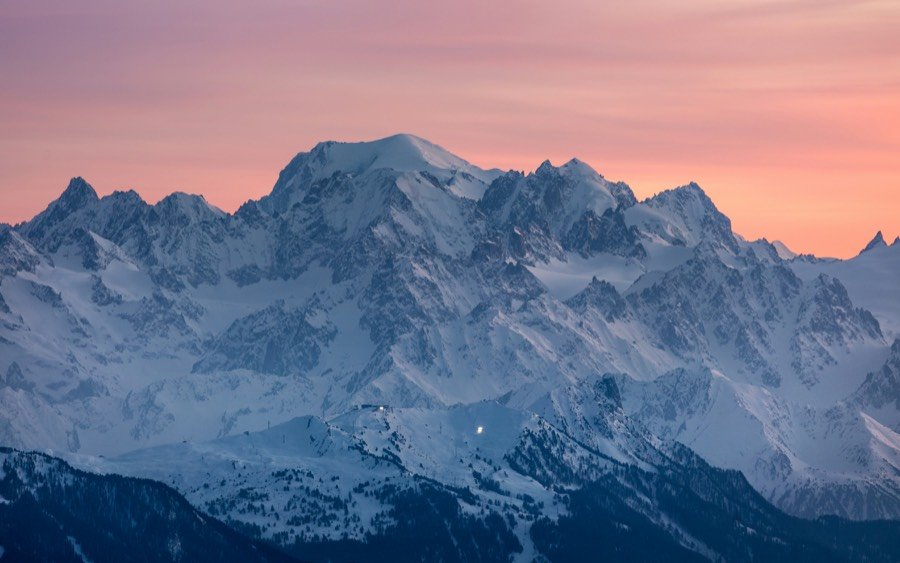
Cloud pouring over a sea cliff at sunrise. The original file.
Original · 1.76 MBSaved · 782 KB · −55%

A photo compressor for Mac. Checked before it is touched, never uploaded.

40% off Pro at launch, for the first 100.

The app

See the saving before you save.

Each picture shows its saving first. Nothing is written until you press Save.

  1. 1 · Drop

    A file, a folder or the whole shoot.

    Twelve photographs in Image Shrink, all ready: 64.9 MB down to 36.2 MB, 44% smaller.
  2. 2 · Check

    Any picture at actual pixels.

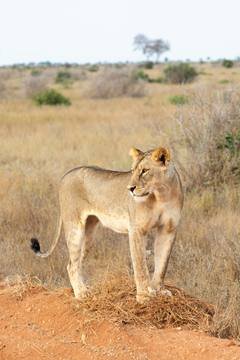
    A lioness at 100% in Image Shrink, the original left of the line and the saved file right: 5.91 MB to 3.27 MB.
  3. 3 · Save

    New files beside the originals.

    All twelve photographs saved.
The test

Tested on 56 full-size photographs.

−55%

smaller, all 56 together

Before263.6 MB
After118.8 MB
56 of 56
came out smaller
56 of 56
originals untouched
0
network access

56 photographs from Unsplash, 0.5 to 16.4 MB and up to 131 megapixels each. Image Shrink 1.0 at quality 60, original size kept. Measured 22 September 2026.

Quality

What half the size gets you.

The same 56 test photos, before and after.

2.2×

the photos in the space your originals took

4½min
to send or upload what used to take 10

And they look the same.

The original on the left, Image Shrink's file on the right, as your screen shows them.

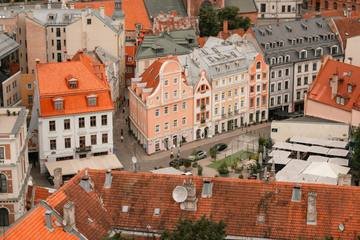
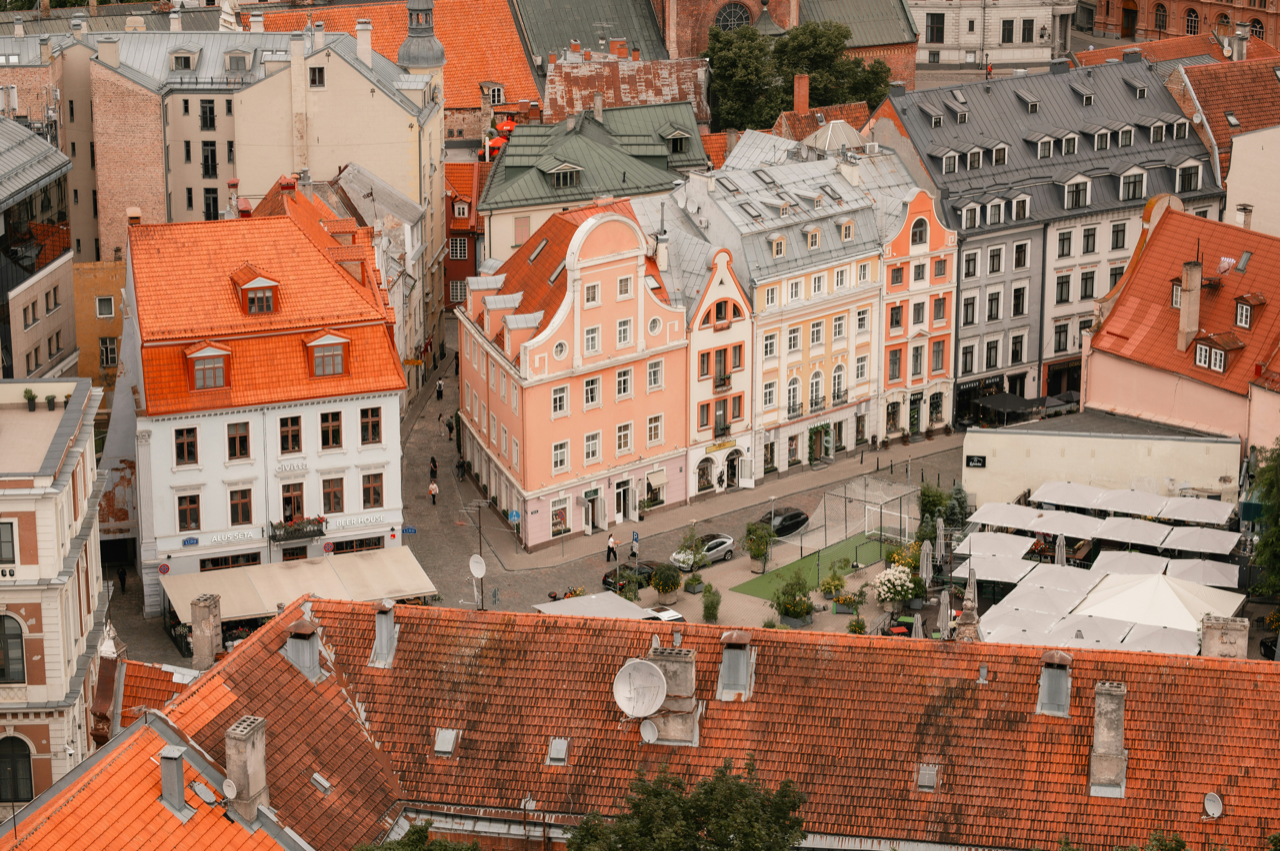
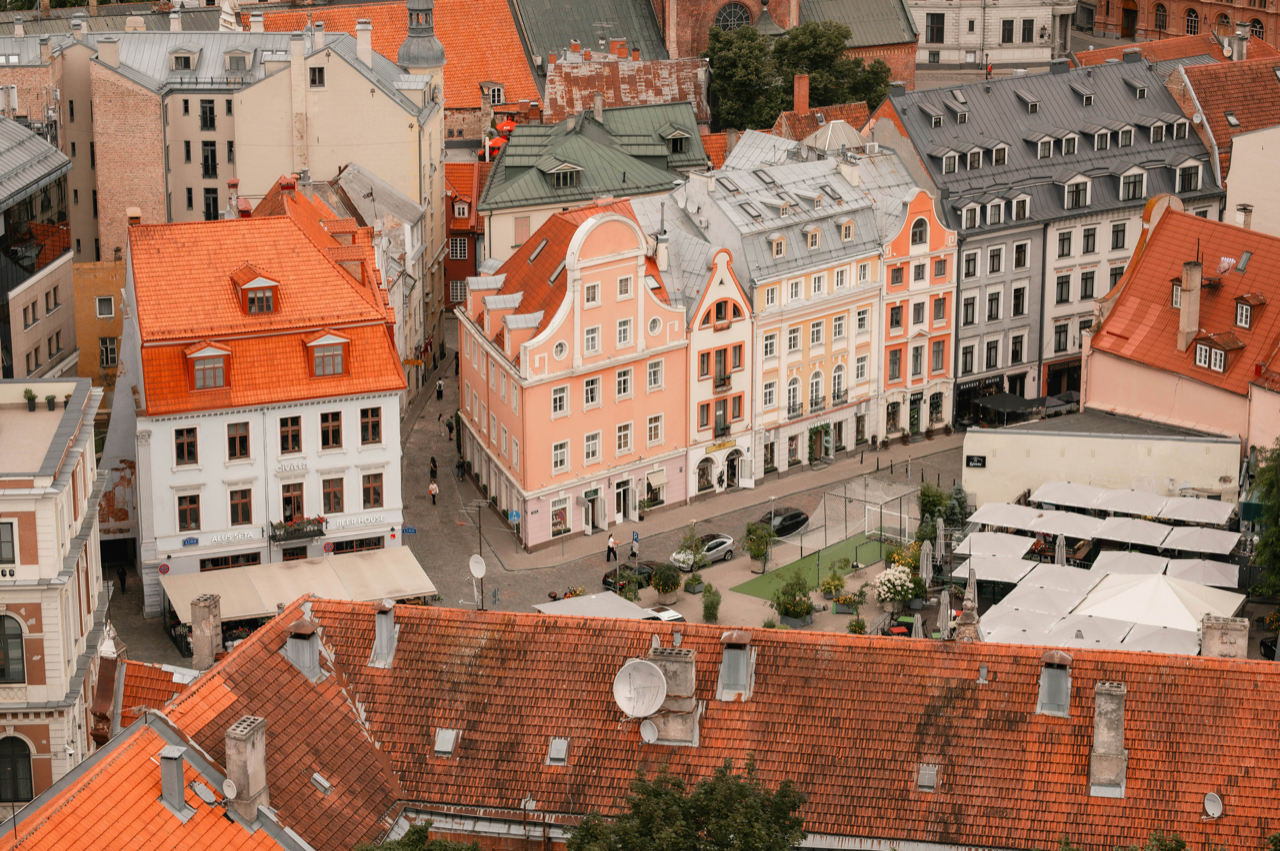
Rooftops of an old town from above, the original file, 6.8 MB.
Original 6.8 MB
The same rooftops from Image Shrink's file, 3.5 MB, looking the same.
Image Shrink 3.5 MB

The 56 test photos, 263.6 MB as they came, 118.8 MB saved by Image Shrink 1.0 at quality 60. Photo by Kristine Kozaka, both files shown 2560 pixels wide, scored 86.9 by SSIMULACRA 2, where 80 is very high. At the same look, smaller than the Mac's own JPEG on 52 of 56.

Free

Every format, every quality setting, no batch cap.

50 photos a day at full quality, free. No account.

Convert HEIC, WebP and AVIF

Reads what your Mac opens. Writes JPEG, PNG, WebP, AVIF, HEIC or JPEG XL.

Compress a whole folder

Subfolders too. No cap on how many at once.

Location off by default

Keep your copyright, drop where it was taken.

Right-click in Finder

Or use Open With, or a Shortcuts action.

HDR stays HDR

iPhone photos still glow on a bright screen.

Originals never touched

Every file is new, saved beside the old one.

For the working photographer

Built for the delivery, not the edit.

Image Shrink takes the finished picture and makes it light enough to send.

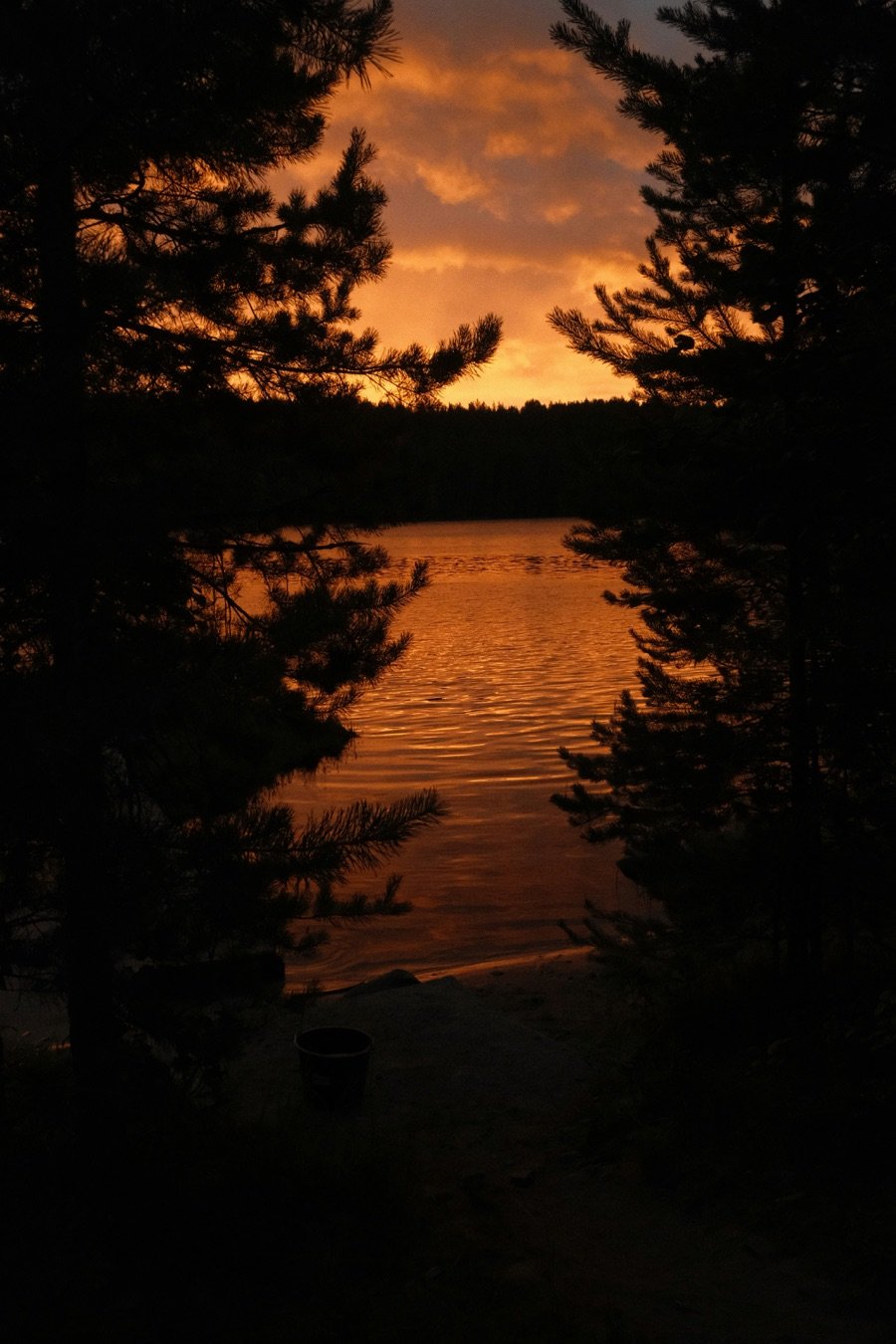
A lake at sunset seen between dark pines. Saved by Image Shrink at 2.0 MB from 5.1 MB.5.1 MB → 2.0 MB −62%

What it does

  • Makes it smaller, same look
  • Resizes, and sharpens what it shrank
  • Turns, flips and straightens
  • Puts your name in a corner
  • Crops to an exact shapePro

What it leaves to your editor

  • Exposure and contrast
  • Colour and grading
  • Retouching
  • Masks and local edits

No sliders for the look. The picture you finished is the picture that leaves.

Photo by Tatiana Rudneva on Unsplash, 4160 × 6240, saved by Image Shrink 1.0 at quality 60, original size kept.

Watch folders Pro

Drop a photo. Get the whole delivery.

A watch folder crops, marks, renames and saves each size the moment a photo lands.

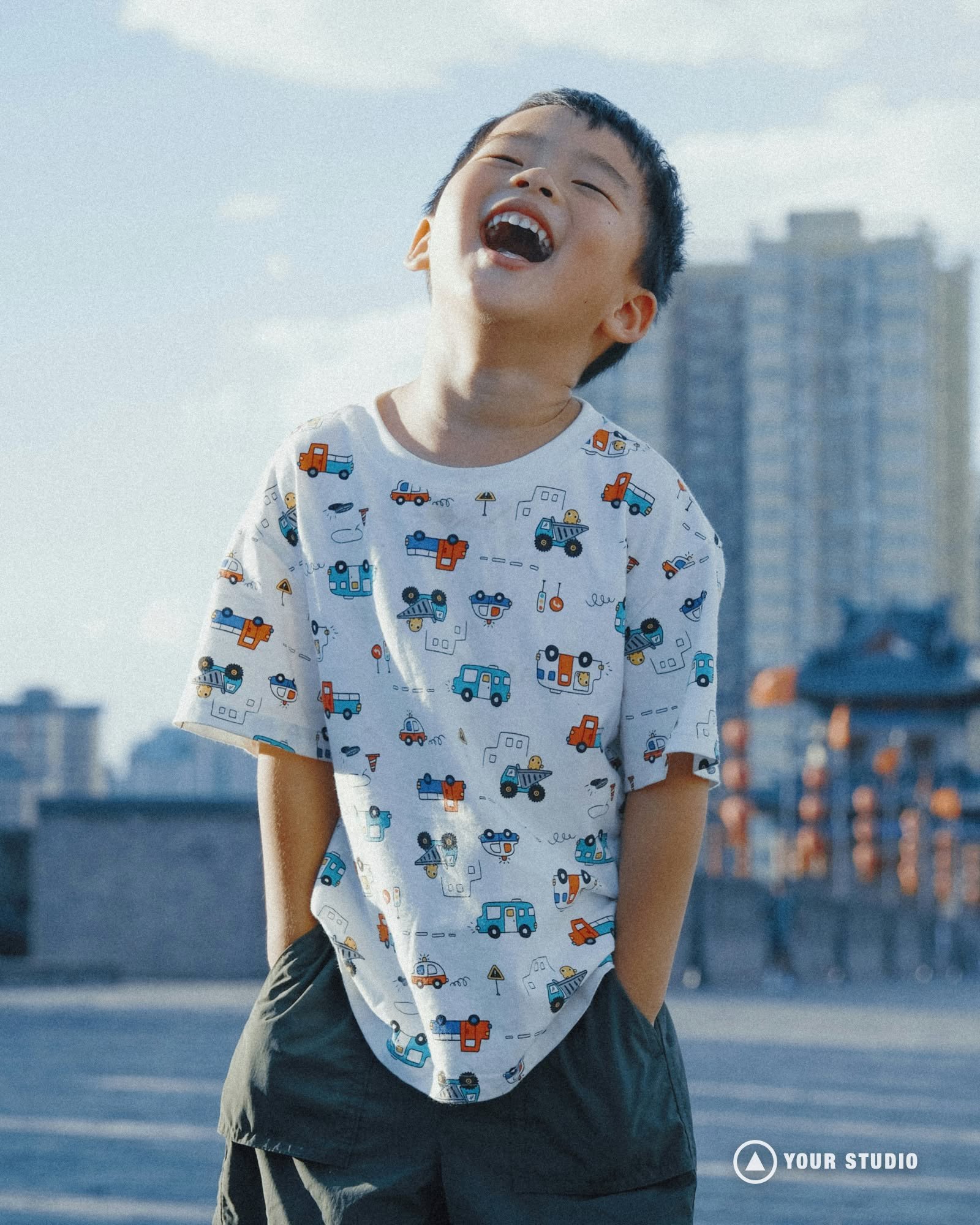
A boy laughing, head tilted back, in a shirt printed with cars. The original photo.
DSC_0521.jpg
dropped in Exports · 5.1 MB
The full-size copy, with the logo in the corner.
Client_DSC_0521-full.jpg
2.4 MB · 4160 × 6240
The 4:5 web copy, with the logo in the corner.
Client_DSC_0521-web.jpg
364 KB · 1600 × 2000
The square thumbnail copy, with the logo in the corner.
Client_DSC_0521-thumb.webp
15 KB · 400 × 400

Written by Image Shrink 1.0 from one drop. Photo by Jimmy Chang on Unsplash; the logo is a stand-in for yours.

Pro

Pro adds the workflow, not the quality.

Free compresses just as well; Pro is for the day with four hundred files and a client waiting.

$34.99once. No subscription. Free updates for all of version 1.
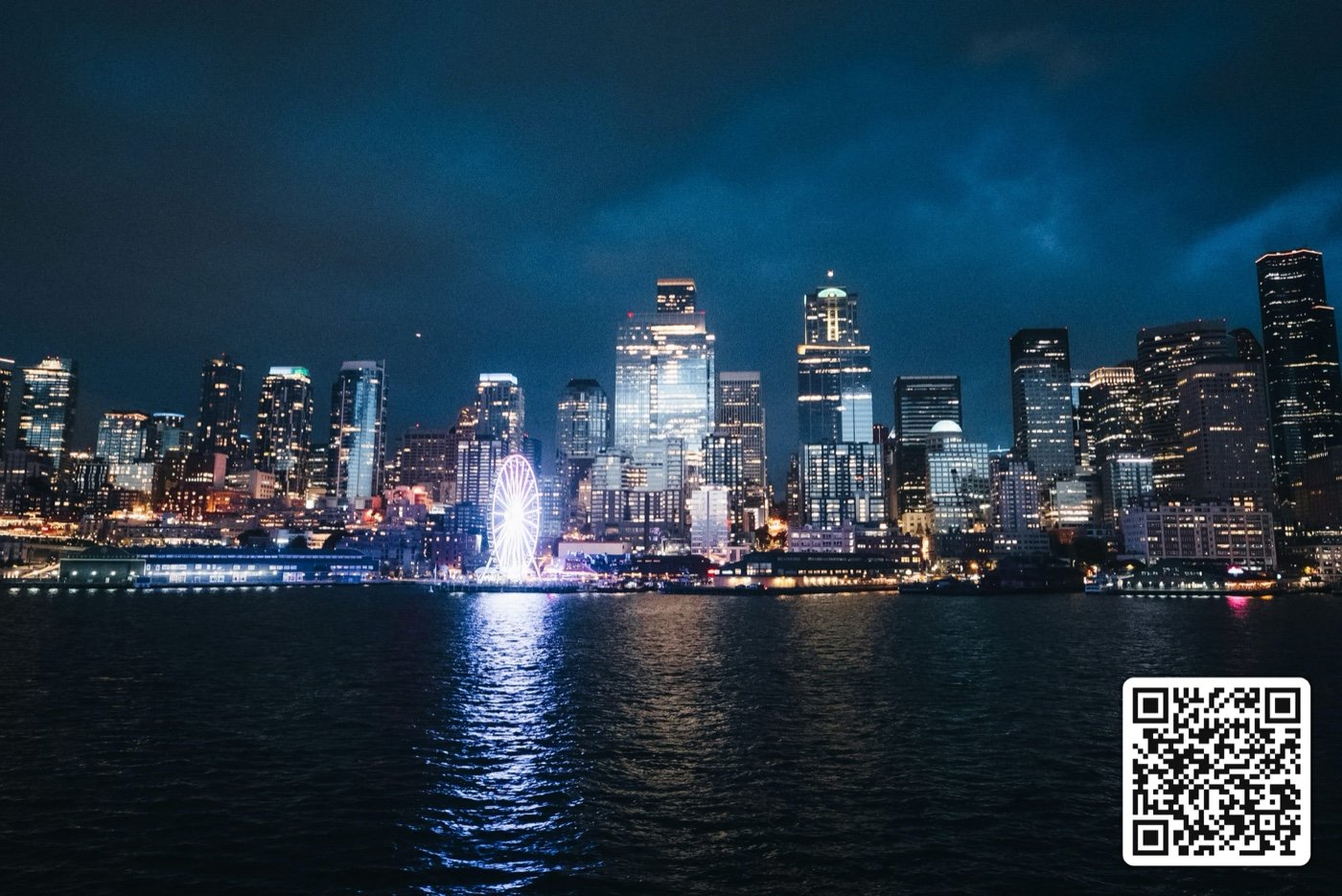
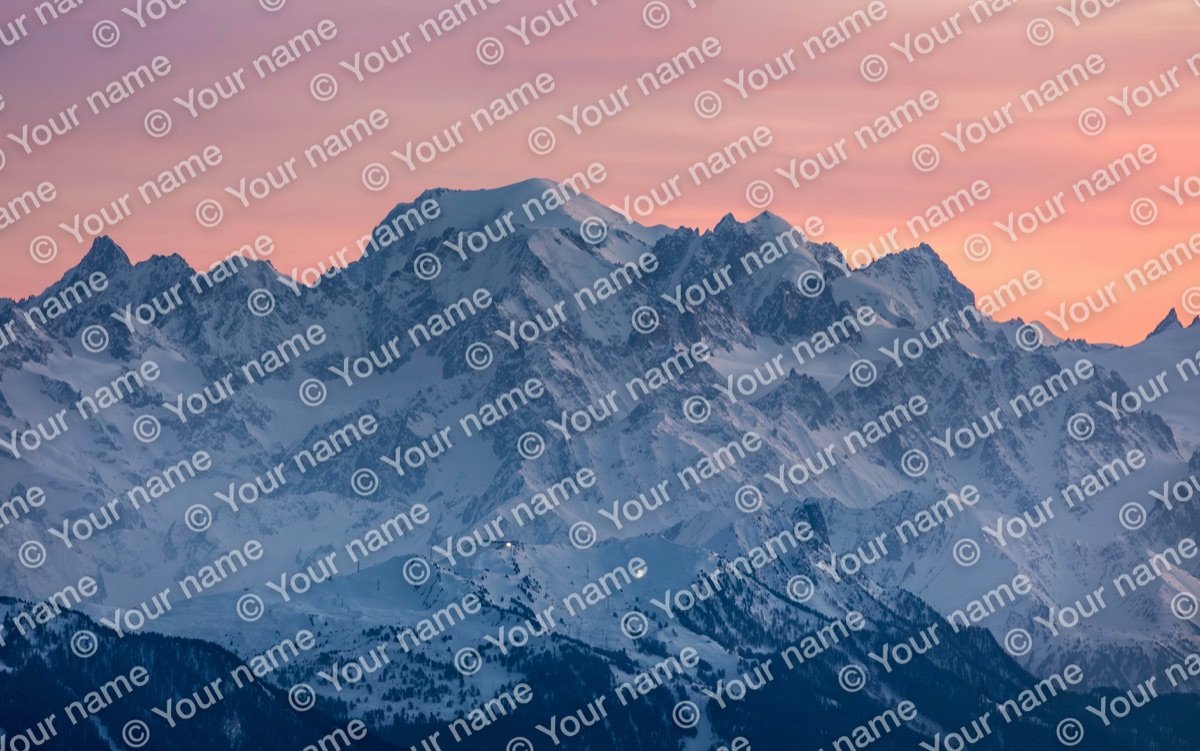
A logo in the cornerA QR code in the cornerA text mark across the whole picture

A logo, a QR code, a pattern. Three real outputs.

  • Logo, QR code and proof marks

    SVG, PDF or PNG logos, a scannable QR code, or the mark across the whole picture. As many saved as you keep.

  • Several outputs at once

    A full-size copy, a web copy and a thumbnail from one picture, in one pass.

  • Fit under a size

    Say "under 2 MB" and the app finds the quality that fits.

  • Crop to a shape or exact pixels

    Square, 4:5, 3:2, 16:9, 9:16 or your own numbers, with the social, email and real estate presets.

  • Settings for one picture

    Its own format, quality, size or mark, inside a batch that keeps its own.

  • Batch rename

    Add a prefix or a suffix, or find and replace, with a live example as you type.

  • Your own presets

    Save a recipe, share it as a file, switch in one click.

  • Compress what you copy

    Copy an image anywhere and a smaller one is ready to paste. Undo puts the original back.

  • No daily limit

    Free counts 50 photos a day. Pro does not count.

Side by side

Against the one you have heard of.

JPEGmini Pro is the compressor photographers are usually sold. Here is the same list for both.

Image Shrink

$34.99

Pro, once. Free updates for all of version 1.

  • UpdatesFree for all of version 1
  • Free50 photos a day, every format
  • Formats outJPEG, PNG, WebP, AVIF, HEIC, JPEG XL
  • MetadataYou choose what stays. Location off by default
  • Watch foldersIn Pro
  • Originals in a watch folderLeft where they are. Never deleted
  • Several sizes from one photoIn Pro
  • Crop and renameIn Pro
  • WatermarksText free. Logo, QR code and patterns in Pro

JPEGmini Pro

$59 to $129

By tier, once. One year of updates.

  • UpdatesOne year, then pay to renew
  • Free50 a day after a 7-day trial, JPEG out only
  • Formats outJPEG
  • MetadataAll EXIF kept
  • Watch foldersIn the $99 and $129 tiers
  • Originals in a watch folderMoved out, deleted after a week by default
  • Several sizes from one photoIn the $99 and $129 tiers
  • Crop and renameNo
  • WatermarksNo

JPEGmini's column is from jpegmini.com and its help centre, checked 23 September 2026. US dollars.

Privacy

No account. No upload. No analytics.

Image Shrink has no permission to use the internet, so it cannot send anything anywhere.

  • No account

    Nothing to sign up for, nothing to sign in to.

  • Never uploaded

    It has no permission to use the internet.

  • Location off by default

    Saved copies leave out where a photo was taken, unless you keep it.

  • Only what you choose

    It opens the files and folders you give it. Never your Photos library.

How can you be sure? See how it is checked in the questions.

Questions

Before you press the button.

Still stuck?Write to support@getimageshrink.com. A person answers.

Yes, for 50 photos a day, with every format, every quality setting and no limit on how many you drop at once. Pro is $34.99 once, not a subscription, with free updates for all of version 1. It removes the daily count and adds the delivery tools: watch folders, crop, rename, several sizes at once, logo and QR watermarks, and fit under a size.

Try it on today's shoot.

Free for 50 photos a day. No account needed.

40% off Pro at launch, for the first 100.

Apple silicon, macOS 14 or later. Pro is $34.99, once.